

Lyrics Generator: Write and Edit Your Song Lyrics

Turn your prompt into a lyric draft, add a title if you have one, then edit the words to make them yours.

1 credit per generation.

Write and Edit Your Song Lyrics

Bring the idea behind your song to YuE2. This AI lyrics generator helps you get words on the page and gives you a draft to revise before taking the next step.

YUE2 · LYRICS GENERATOR

Describe the story, feeling, or scene you want to write about.

Add a title if you have one, or leave this blank.

1 credit per generation.

Bring the idea behind your song to YuE2. This AI lyrics generator helps you get words on the page and gives you a draft to revise before taking the next step.

Try a song idea

Choose a demo to fill the prompt and title.

What Is an AI Lyrics Generator?

A writing tool that turns a description into song lyrics for you to review and develop.

An AI lyrics generator helps draft the words of a song from a prompt. You describe a subject or musical direction, then work with the suggested lines as writing material.

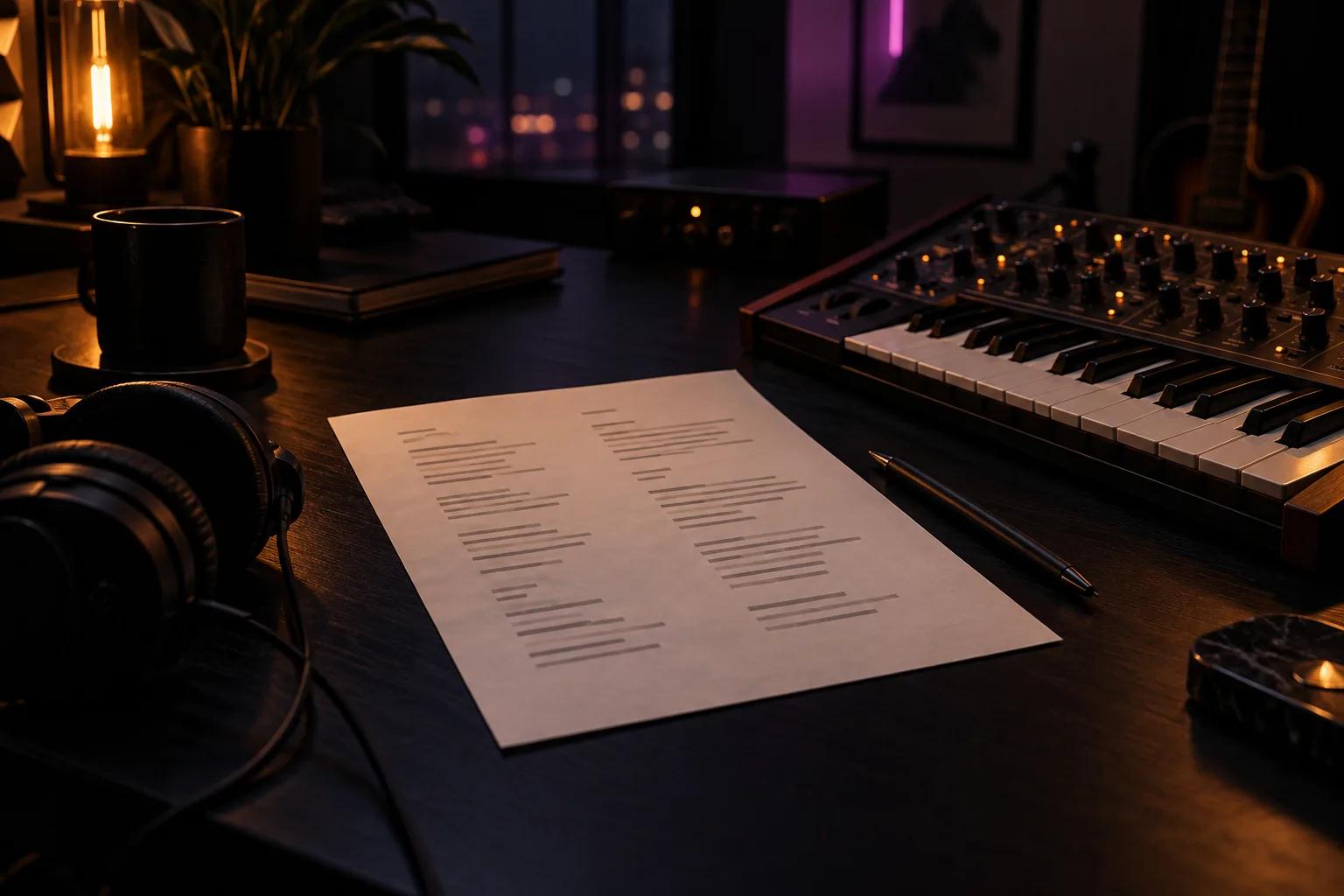
A lyric sheet and keyboard in a dim songwriting studio

A song lyrics generator gives you a starting point when you have an idea but no opening line. A lyric draft can help you explore a story, a repeated hook, or a change in perspective.

The writing still needs your ear. Read it aloud, replace vague phrases, and decide which details belong in your song. Generating lyrics and producing a recording are separate steps: words alone do not include a sung vocal or an instrumental track.

Lyrics Generator Features for Your First Draft

Start with your own direction and keep working on the words after the first result.

YuE2 keeps the writing task focused: provide a prompt, optionally add a title, generate lyrics, and edit the draft. Your idea guides the starting point, while your revisions shape what stays.

A prompt built around your idea

Use the Prompt field to describe what you want the song to say. Include a setting, a speaker, or a feeling that matters to the story. You can describe a musical direction in your prompt without having to turn the whole brief into finished lyrics.

An optional title alongside your prompt

If you have a title, enter it as part of your brief. You can leave this field blank. A title can help you keep the central idea in view while reviewing the draft. If your title suggests a mood but your prompt tells a different story, clarify the direction before you generate.

Lyrics you can modify

Use the AI lyric generator for a starting point. The result appears below the workspace; select Edit Lyrics to load it into Edit mode. You can change lines yourself, or enter a revision prompt to request another AI draft. A revision request costs 1 credit; typing changes in the lyric box does not submit a task.

A clear generation cost

Each lyric generation or AI revision costs 1 credit and requires sign-in. Consider whether you need another draft or want to keep developing the wording yourself. Manual changes in the lyric box do not create a new task.

Ideas to Explore with a Song Lyrics Generator

Give your prompt a specific writing goal, from a story to a chorus idea or a rap verse.

These are directions for your brief, not separate generation modes. Describe the part of the song you want to explore, then review how closely the draft follows your intention.

A song with a story

Describe a moment and what changes by the end. Give each verse something to add rather than repeating the same thought throughout the song.

A chorus idea

Put the central feeling into a sentence before expanding it. When you edit, check whether the chorus still makes sense apart from the rest of the lyric.

A rap verse

If you came looking for a rap generator, describe the subject and delivery you want in your prompt. Review the result aloud over your beat; adjust crowded lines and word stress yourself. This is a lyric-writing direction, not a promise of generated beats or vocals.

Who Is the YuE2 Lyrics Generator For?

For writers who want a first draft they can read, question, and develop in their own voice.

You might have a title without a verse, or a story without an opening line. Use the draft to find a direction, then spend your attention on the details that matter.

Songwriters facing a blank page

Start from an idea and assess a possible draft. Keep your strongest image at the center, and rewrite lines that could belong to any song.

Musicians preparing words for a demo

Work through the lyric before recording. Read it against your melody and edit phrases that feel crowded or hard to pronounce.

Writers revising an early version

Use the modification step to make the generated draft more specific. Change the wording until the narrator, scene, and feeling fit together.

How to Use the YuE2 Lyrics Generator

Sign in, add your prompt and an optional title, then generate and revise the lyrics you want to keep.

Begin with one clear idea. You can describe a style or mood in the prompt, but the key is giving yourself a useful basis for judging the words that come back.

  1. 1

    Sign in and describe your idea.

    Lyric generation requires an account session. Use the Prompt field to describe the subject, point of view, and feeling you want to express. Add a Title if you have one; it is optional.

    Songwriter describing a lyric idea in a notebook
  2. 2

    Generate a lyric draft.

    Review your prompt and title, then generate. Each AI request costs 1 credit. The finished words appear below the workspace so you can read them as a draft.

    A new lyric draft beside music studio equipment
  3. 3

    Revise the words.

    Select Edit Lyrics to load the draft into Edit mode. Change lines directly, or enter a revision prompt and submit the lyrics for another 1-credit AI request. Read the draft aloud, remove repeated ideas, and shorten phrases that get in the way of the story.

    A lyric notebook with handwritten revisions

The result of this workflow is a lyric draft. Producing a song recording is a separate next step.

Lyrics Generator Pricing

Generate or revise a lyric draft for 1 credit per request, with sign-in required before you start.

YuE2 uses one-time credit packs for lyric generation and AI revision. Each request writes words for your song; producing a recording is a separate task.

Starter

$9.9

One-time · 99 credits

$0.10 / credit

  • 99 lyric requests
  • 1 credit per new draft or AI revision
  • New lyrics and AI revisions
  • One-time purchase, no subscription

Basic

$29.9

One-time · 370 credits

$0.08 / credit (approx.)

  • 370 lyric requests
  • 1 credit per new draft or AI revision
  • New lyrics and AI revisions
  • One-time purchase, no subscription

Plus

Most popular

$49.9

One-time · 700 credits

$0.07 / credit (approx.)

  • 700 lyric requests
  • 1 credit per new draft or AI revision
  • New lyrics and AI revisions
  • One-time purchase, no subscription

Lyrics Generator FAQ

Understand what a lyric draft can help with and what still needs your own attention.

Start with the task you want to complete. Writing new lyrics, finding an existing song, and making a recording require different tools and different kinds of input.

What is an AI lyrics generator useful for?

An AI lyrics generator is useful for exploring wording when you have a song idea but need a first draft. Treat its suggestions as writing material rather than a finished performance. Start with one scene, feeling, or point of view so you have a clear basis for judging the result. Keep the lines that express your idea and replace those that could belong to any song. Read the revised version aloud to hear where the phrasing becomes awkward. Your decisions about the story and delivery remain part of the writing process.

What should I put into a song lyrics generator?

Give a song lyrics generator a focused brief describing the subject, the speaker, and the feeling you want to express. Add concrete details such as a location, a small action, or a memory. If you have a musical direction, include it without filling the brief with conflicting styles. State which section you are working on, such as a verse or chorus. Keep exact phrases you want preserved clearly separated from general instructions. Review the draft against your original idea, then change one part of the brief at a time when exploring another direction.

Is a rap generator the same as a rap song maker?

A rap generator may refer to a tool that writes lyrics or a tool that produces a complete audio track. Check the output before choosing one. Rap lyrics are the written bars and hooks; a recording also needs a beat and a vocal performance. When reviewing a written verse, speak it at your intended tempo and listen for places where you run out of breath. Adjust the line length and word stress to suit your delivery. A useful text draft can start that process, but the words alone are not a finished rap recording.

Can a lyrics generator from audio recover an existing song?

A lyrics generator from audio is a different task from drafting new words from a topic. To recover words that are already being sung, look for a tool that explicitly supports lyric transcription. A text writing prompt should not be treated as evidence that those words appeared in a recording. If your goal is a new song, start with a scene or idea instead. If your goal is an accurate transcript, review the result against the original audio. Keep these tasks separate so you can judge the output by the right standard.

How should I improve a draft from a lyrics generator?

Improve a draft from a lyrics generator by checking the story first, then the phrasing and rhyme. Make sure the speaker stays consistent and each verse adds something instead of repeating the chorus. Replace broad descriptions with details that belong to your idea. Read the lines over your melody or beat and mark places where the wording feels crowded. Shorten or rearrange those phrases before polishing individual rhymes. Keep a separate copy of the version you prefer so you can compare changes without losing a line that already works.

How much does the YuE2 lyrics generator cost?

The YuE2 lyrics generator costs 1 credit per AI request, and you must sign in to use it. This applies both to a new lyric draft and to an AI revision requested from Edit mode. Typing changes directly in the lyric box does not submit a task. Review the current draft before requesting another version. The words are a starting point for writing, rather than a finished recording. Song audio generation is a separate task with its own pricing.

Can I edit the generated lyrics in YuE2?

Yes. Select Edit Lyrics on the result to load the generated words into Edit mode's lyric box. You can change them directly, or enter instructions in Edit mode's Prompt field and submit the lyrics for an AI revision. Each AI revision costs 1 credit; manual changes do not submit a task. Check whether the draft follows your idea, replace generic details, and read the words aloud against your melody or rhythm. Keep a copy of a version you like before asking for another draft.

Start Your Next Song with the YuE2 Lyrics Generator

Bring a prompt, add a title if you have one, generate your draft, and edit the words around your own idea.

Choose the moment you want to write about. Give it a clear direction and, if you have one, a title, then use the draft as the start of your writing process.

1 credit per generation.