

English · Original generation · 3:47
Heartland Rock
The review’s recurring baseline, generated from lyrics and a Heartland Rock style prompt. Listen for the verse, chorus and bridge progression.

Give your lyrics a voice, a rhythm and an arrangement.
Bring a verse and chorus, describe the sound you want, and generate a song in your browser. Start with Text to Music, or switch to a reference recording when you have an existing musical direction.
5 free credits to start. Sign in to generate.
Two generated candidates from the review’s local model tests. Compare their musical direction before preparing your own lyrics and style prompt.
English · Original generation · 3:47
The review’s recurring baseline, generated from lyrics and a Heartland Rock style prompt. Listen for the verse, chorus and bridge progression.

English · Original generation · 2:34
A Country Pop sample from the review’s six-style test. Compare the phrasing and arrangement with the rock example.
Audio reused from the YuE2 review, not customer submissions. Cover artwork was generated for these listening cards.
An online studio for turning written lyrics into music with vocals and accompaniment.
Your words and style prompt form the brief. The generated audio gives you something to hear, assess and develop.
YuE2 AI Music Generator uses the YuE2 music model to help you explore a song without setting up the model locally. The studio combines a lyrics editor, style presets, reference audio and output format choices in one place. You can start with the sample lyrics, replace them with your own, and listen when a generation finishes.
The underlying model supports symbolic planning: it can compose melody and chords before rendering audio. Our Audio to Sheet Music tool turns recordings into downloadable score images and editable ABC notation files. Read the YuE2 model overview for the composition workflow, or the YuE2 review for a closer look at the model.
Use words to describe both what is sung and how it should feel.
Keep the lyrics and musical instructions separate so each field has a clear job.
01
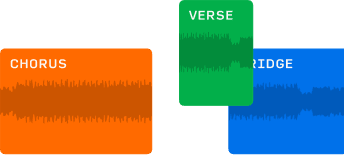
Paste the words you want performed, with Verse, Chorus and Bridge labels to organize them. Read the lyric aloud before submitting it. Shorter, clearer lines can make your intended phrasing easier to understand, while repeated sections give you a way to describe the song's structure.
02
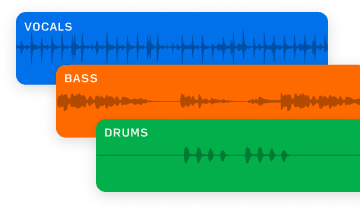
Name the genre, vocal character, instruments and mood. Start with a preset if you need a first direction, then adjust it to suit the words. A brief such as warm acoustic pop with a soft lead vocal and gentle percussion gives the model a coherent musical idea.
03
Switch to Music to Music to add one recording alongside your lyrics and style. That is useful when you already have a sound to work from. The YuE2 AI Music Cover page opens this mode by default and explains the reference workflow.

04
Choose your output format before submitting. MP3 suits a compact listening file; WAV and FLAC are lossless format choices. Listen to the result in the studio, then download the generated audio. Downloads are unlimited on every plan. Selecting a lossless format does not guarantee a better performance.
Start with one song idea and give it a sound you can judge by ear.
These are ways to use the studio, rather than promises about how every generation will sound.

Turn an unfinished lyric into a sung draft. Listen for lines that feel crowded, words that need more space and a chorus that arrives too early or too late. The audio can help you decide what to rewrite before you record with musicians.

Keep the lyrics and change the style from a restrained piano song to a fuller electronic arrangement. Compare the energy and how the voice sits in each version. Each submission creates another interpretation; it does not preserve every musical detail from the previous take.

Use a draft to discuss a mood with a collaborator. Instead of describing an arrangement only in words, play a version and identify the parts you want to develop. Keep notes on the lyric and style prompt so the next experiment has a clear purpose.
You can begin with a lyric sheet, even before you have a band or a finished arrangement.
The most useful starting point is a specific creative question: how should these words sound?

Hear a verse and chorus performed before committing to a recording session. Focus on whether the melody leaves room for the meaning of the lyric, then revise your brief.

Explore an arrangement direction together. Treat the result as a listening reference for the discussion, and use your regular production tools for detailed audio work.

Begin with a preset and replace the example lyrics. You do not need to install Python, download model weights or own a GPU to use the online studio. Sign in when you are ready to generate.
Choose the mode that matches what you already have.
Both modes require lyrics and a style description. The difference is whether a recording is also part of your brief.
| Starting point | Text to Music | Music to Music |
|---|---|---|
| Required inputs | Lyrics and style | One reference recording, lyrics and style |
| Best starting situation | You have words and a musical idea | You have a recording to guide another rendition |
| Cost per generation | 3 credits | 4 credits |
| Output choices | MP3, WAV, FLAC | MP3, WAV, FLAC |
Text to Music is selected when this page opens. If you add a recording later, switch modes in the same composer. Neither mode offers note-by-note editing, stem mixing or a choice of the model's symbolic planning settings.
Add your lyrics, set the musical style, generate, then follow the progress until the song is ready.
The same four-step visual guide appears on the homepage so the workflow stays consistent wherever you begin.
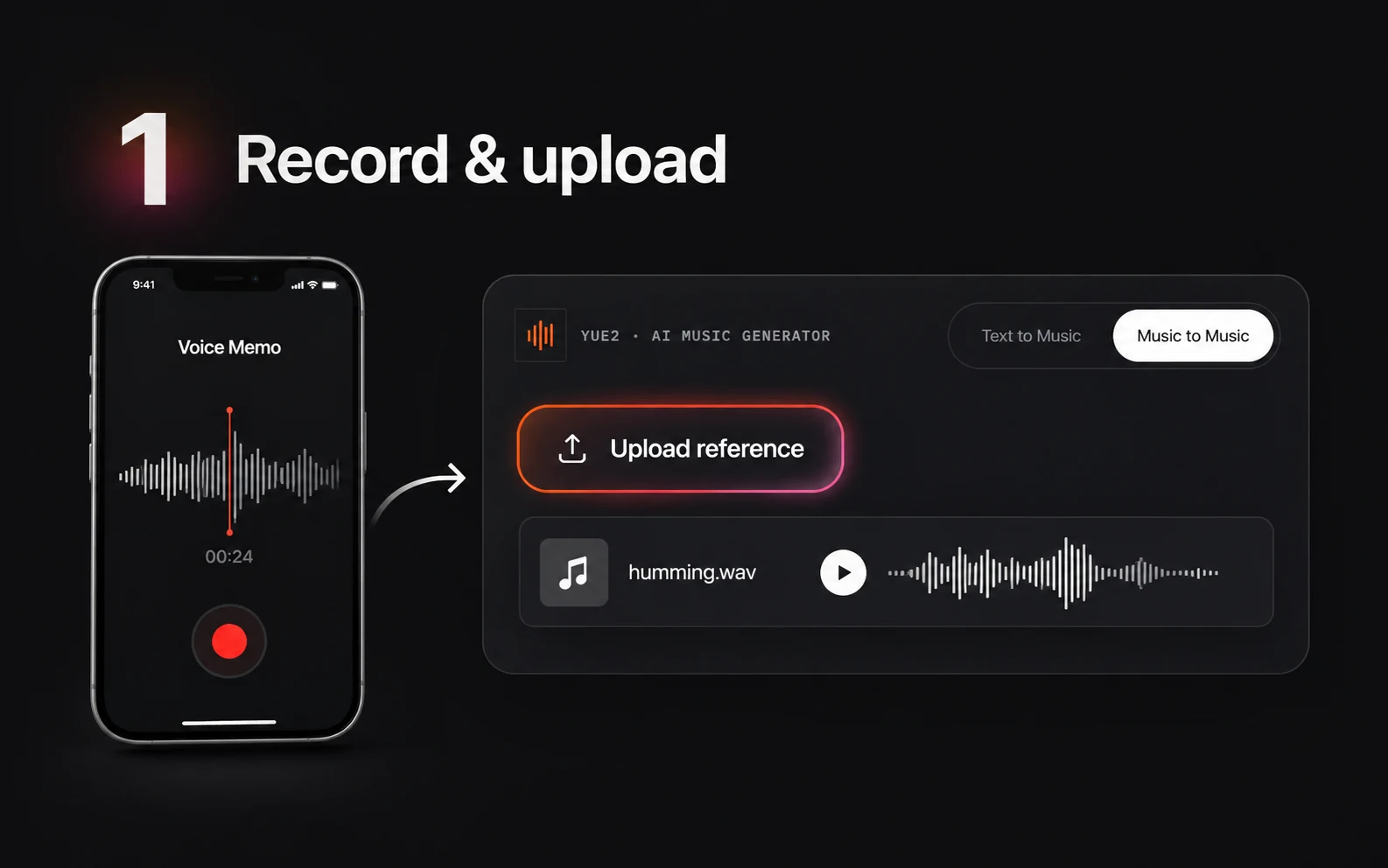
Keep Text to Music selected and replace the sample with your verse, chorus and any other sections. Put arrangement instructions in Style rather than among the words to be sung. Check spelling, repeated lines and section order before you submit.
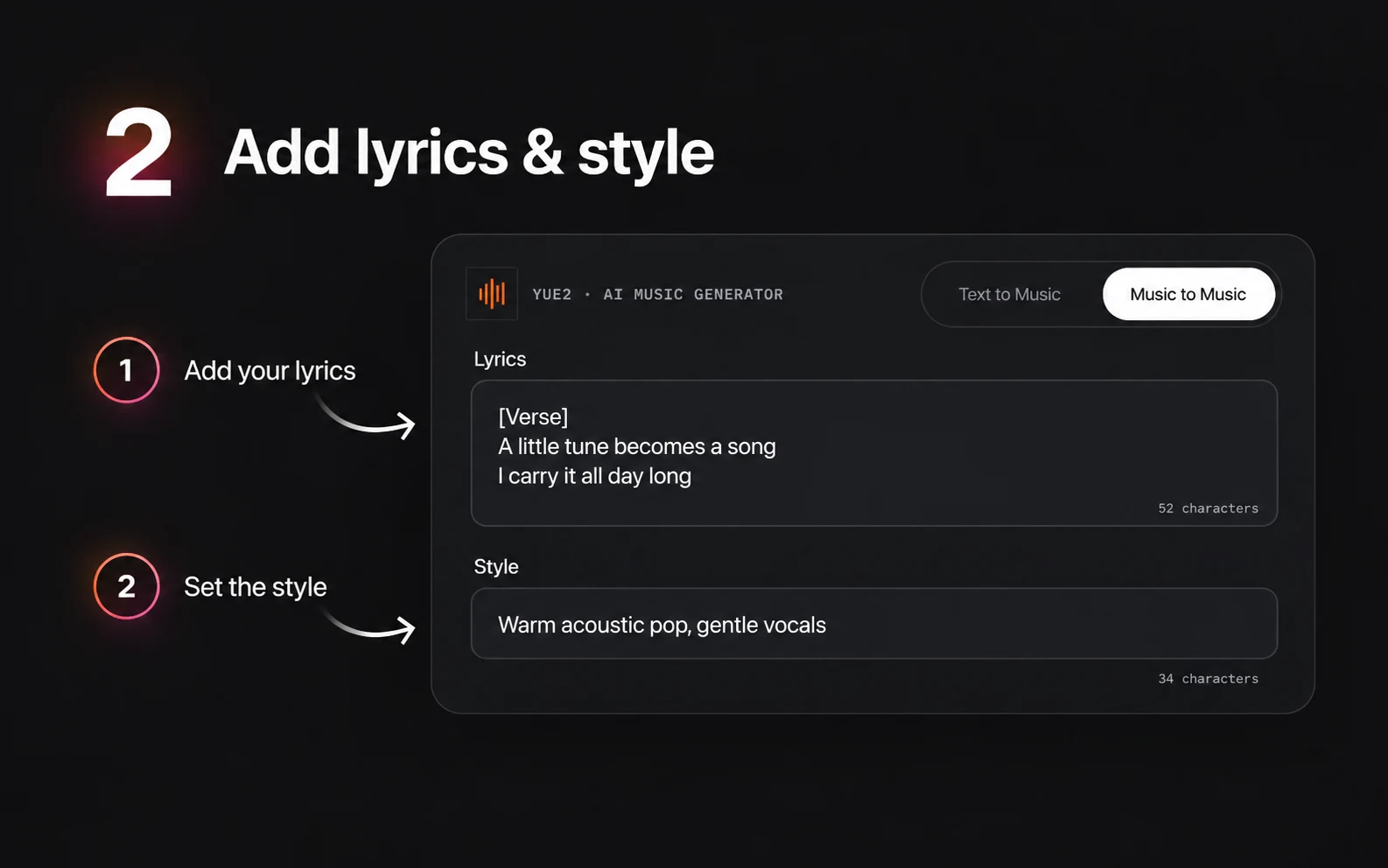
Choose a preset or write your own style prompt. Include the genre, vocal character, main instruments and mood. Avoid several conflicting directions in the same brief.
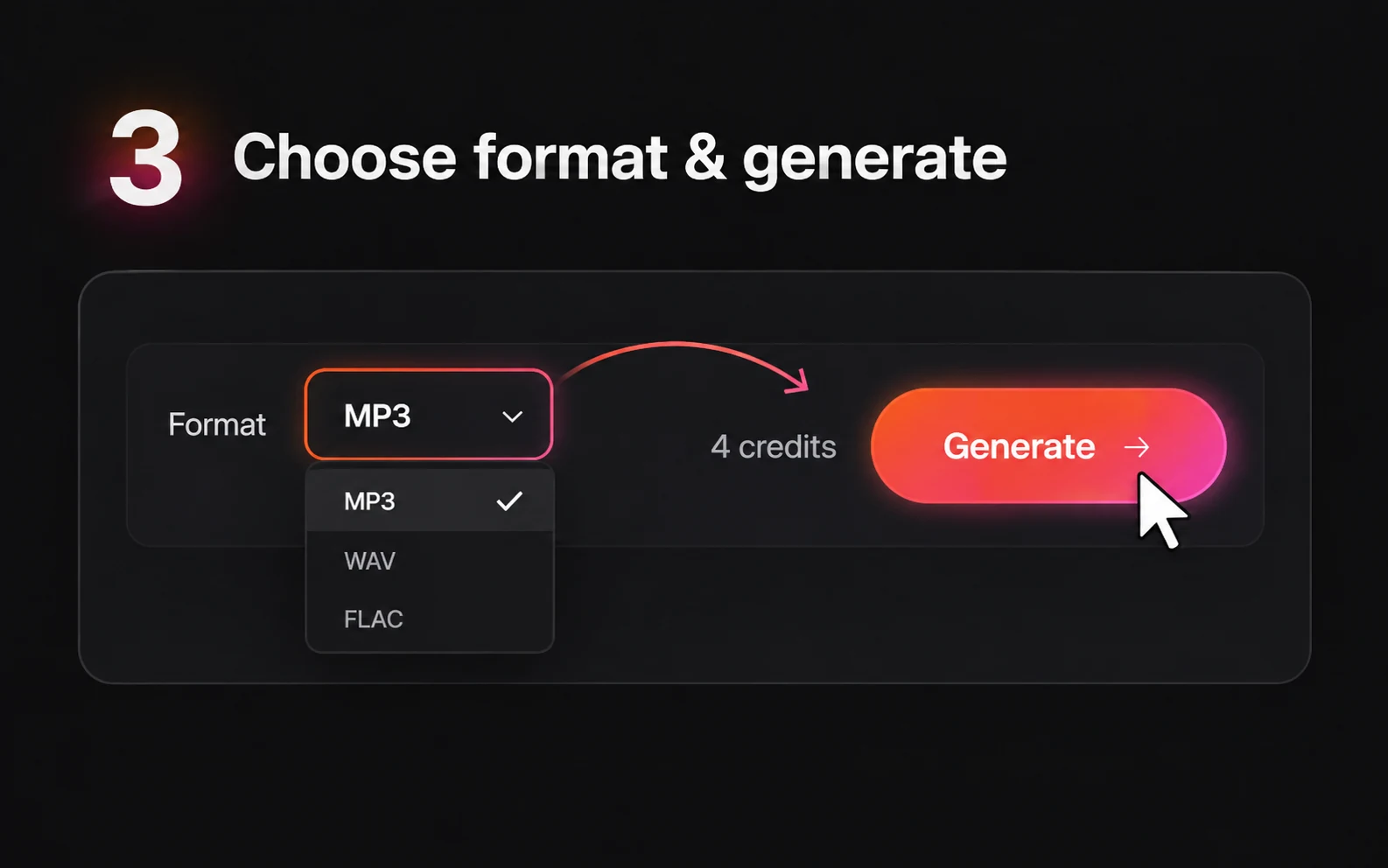
Select MP3, WAV or FLAC, sign in and check your credits. Text to Music uses 3 credits for each new generation. Select Generate when the lyrics and style are ready.
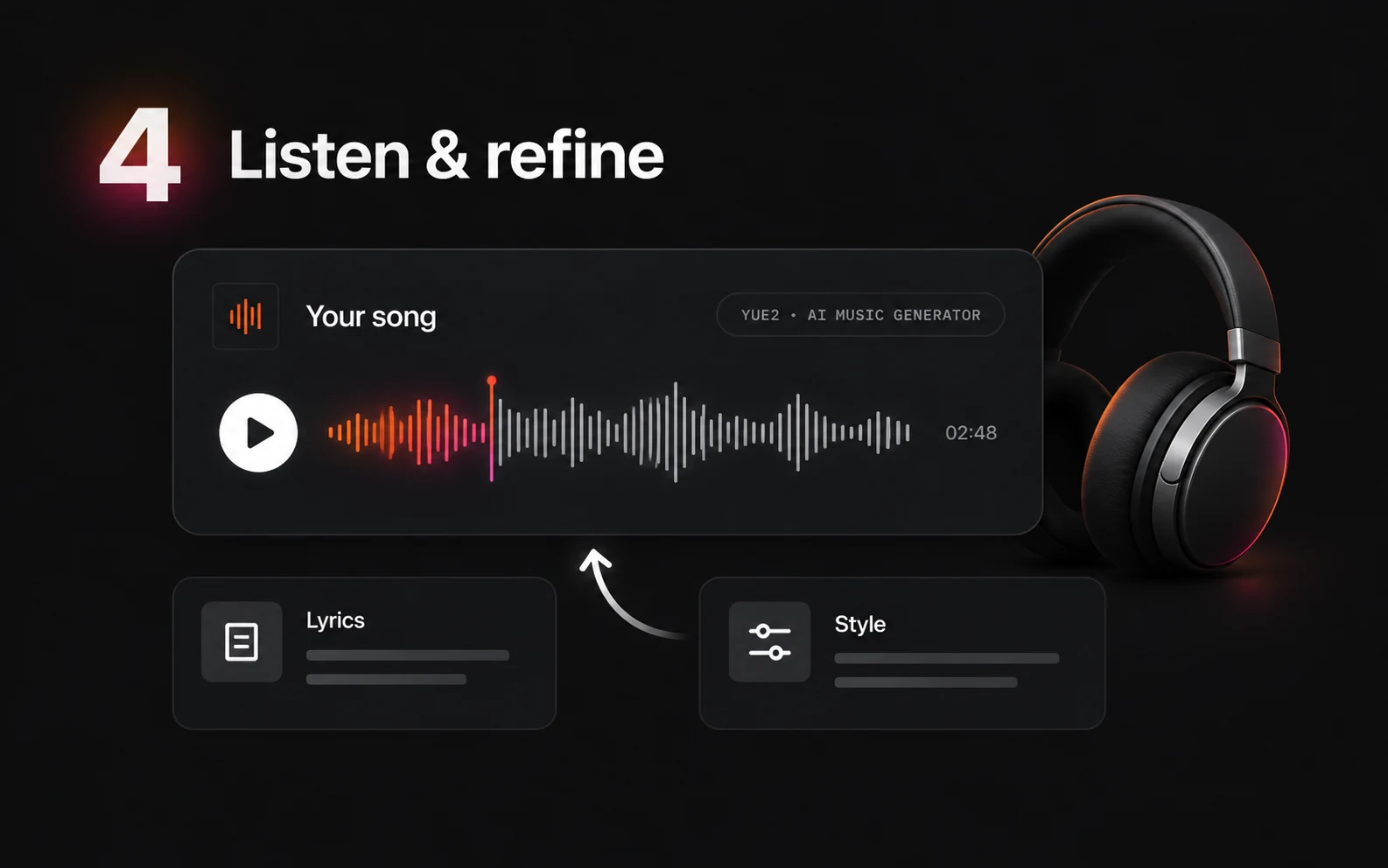
The estimated progress bar advances to 95% over about 60 seconds, then waits for the actual result. When the song is ready, play it on the page before deciding whether to change the lyrics or style.
Try the studio with 5 free credits, then choose a one-time pack. Text to Music costs 3 credits; Music to Music costs 4. Each new generation uses credits.
Every plan includes unlimited music downloads. Free output is for personal use; paid packs add unrestricted commercial use with no royalties or revenue share. There is no monthly subscription.
$9.9
One-time · 99 credits
$0.10 / credit
$29.9
One-time · 370 credits
$0.08 / credit (approx.)
$49.9
One-time · 700 credits
$0.07 / credit (approx.)
Inputs, credits and the controls available in this browser studio.
The Free plan includes 5 credits. Text to Music uses 3 credits per generation, so the starting allowance covers one generation. You can listen on the page and download the completed song; downloads are unlimited on every plan.
No installation is required for this browser studio. Local YuE2 and community ComfyUI workflows are separate ways to use the model. Here, add the inputs, sign in and generate with your available credits.
Describe the genre, vocal character, main instruments and mood. For example, try warm soul with an intimate lead vocal, Rhodes piano, rounded bass and relaxed drums. Start with a preset if you want a brief you can edit.
Yes. Switch to Music to Music and add one reference recording, plus lyrics and style. This mode uses 4 credits per generation. The cover page opens the same composer with Music to Music selected.
Yes. Use Audio to Sheet Music to turn a recording into an ABC notation file and score image. You can download the ABC file and edit its melody and chords in a text editor. For a standard .mid file, use Audio to MIDI.
The composer offers MP3, WAV and FLAC. Choose a format before submitting your generation. Completed audio can be played on the page and downloaded without a plan-based limit.
The homepage has six examples from the official YuE2 project, with source links. They demonstrate the model across several languages and styles; they are not customer tracks produced in this studio.
Open YuE2 AI Music Generator, bring your words and choose a musical direction. Start with 5 free credits and listen before planning the next version.