
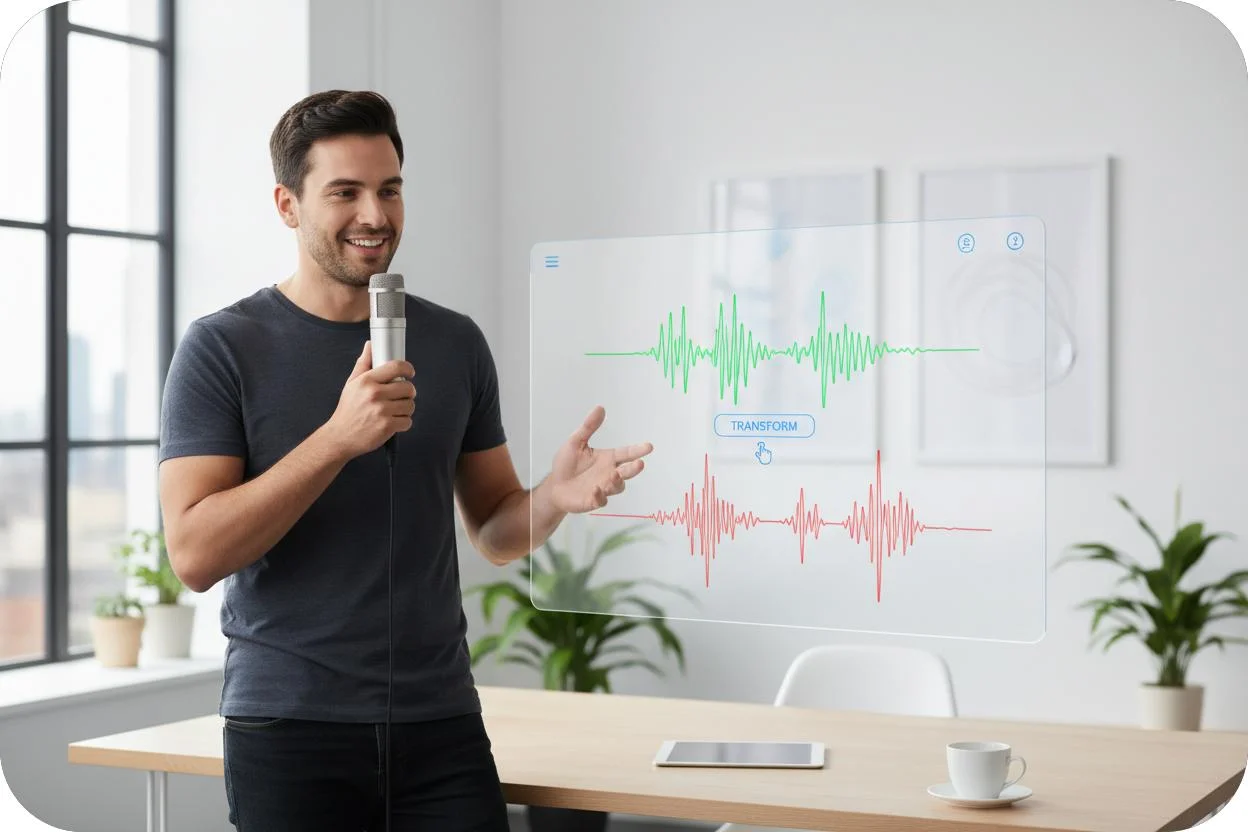
Upload a music file, get a .mid back
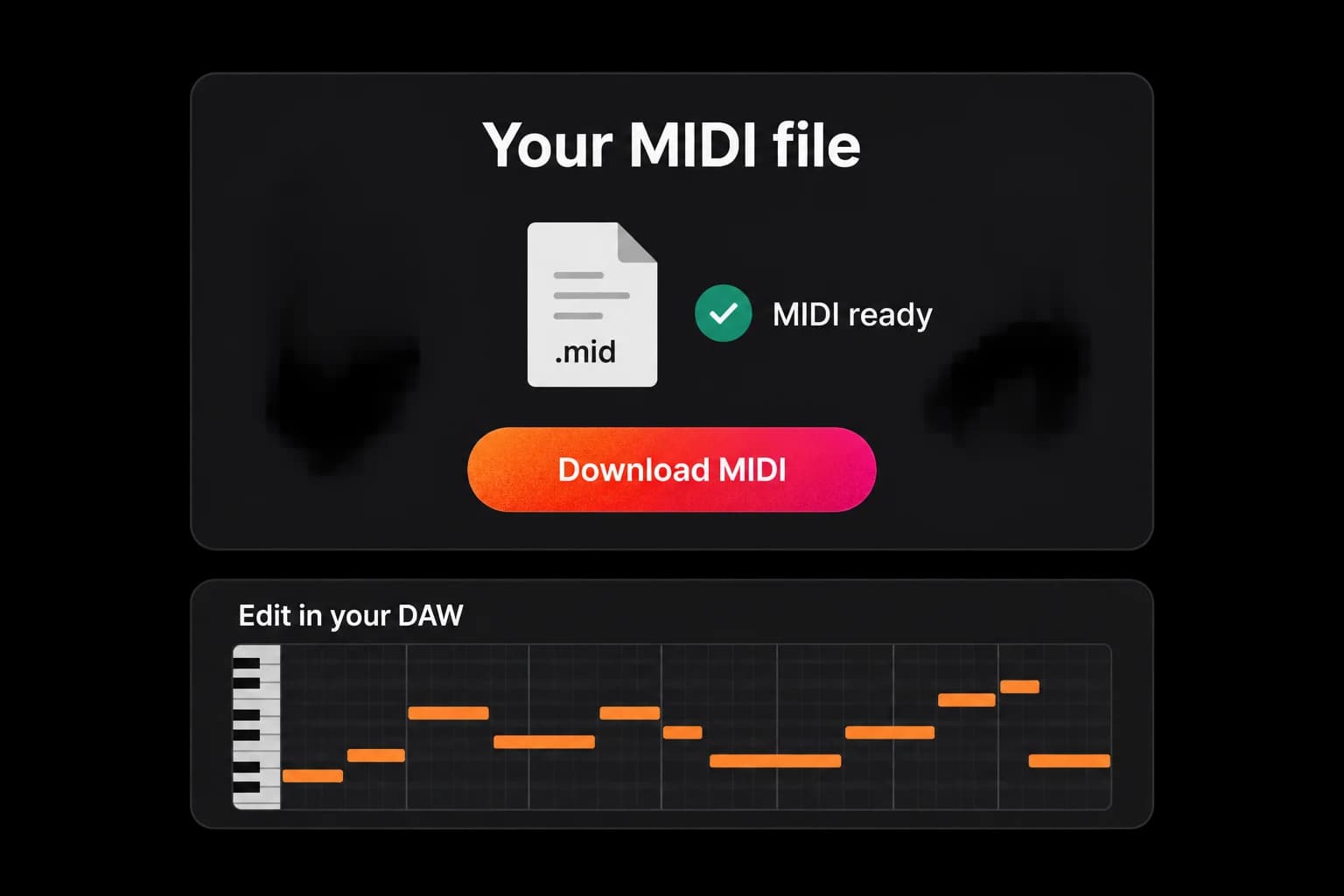
One input, one output. You upload a track and the audio to MIDI converter returns a standard MIDI file — no project format, no proprietary wrapper. Download it and the job is done.

Audio to MIDI in the browser — drop in an MP3 or WAV and get a standard .mid file you can open in any DAW.
An audio to MIDI converter online, built for MP3 and WAV. No plugin to install.
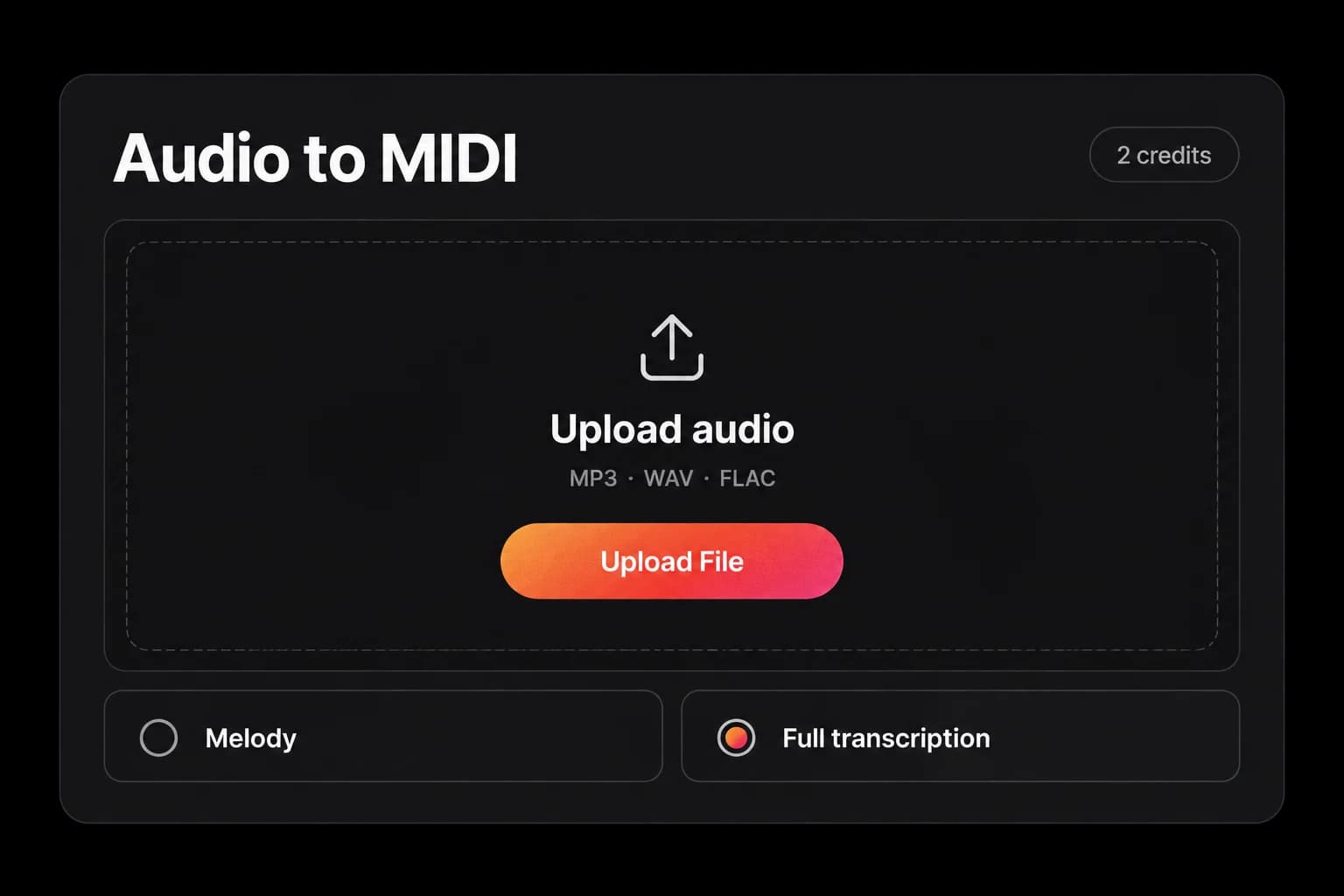
Drag and drop your audio file here, or click to browse
MP3, WAV, M4A, FLAC and other common audio formats
Five free credits to start. No subscription, no card.
A way to pull editable note data — pitch, timing, length, and velocity — out of a finished audio recording.
Audio to MIDI is the process of analysing an audio recording and writing the notes it contains — pitch, start time, length, and velocity — into a MIDI file that music software can edit.
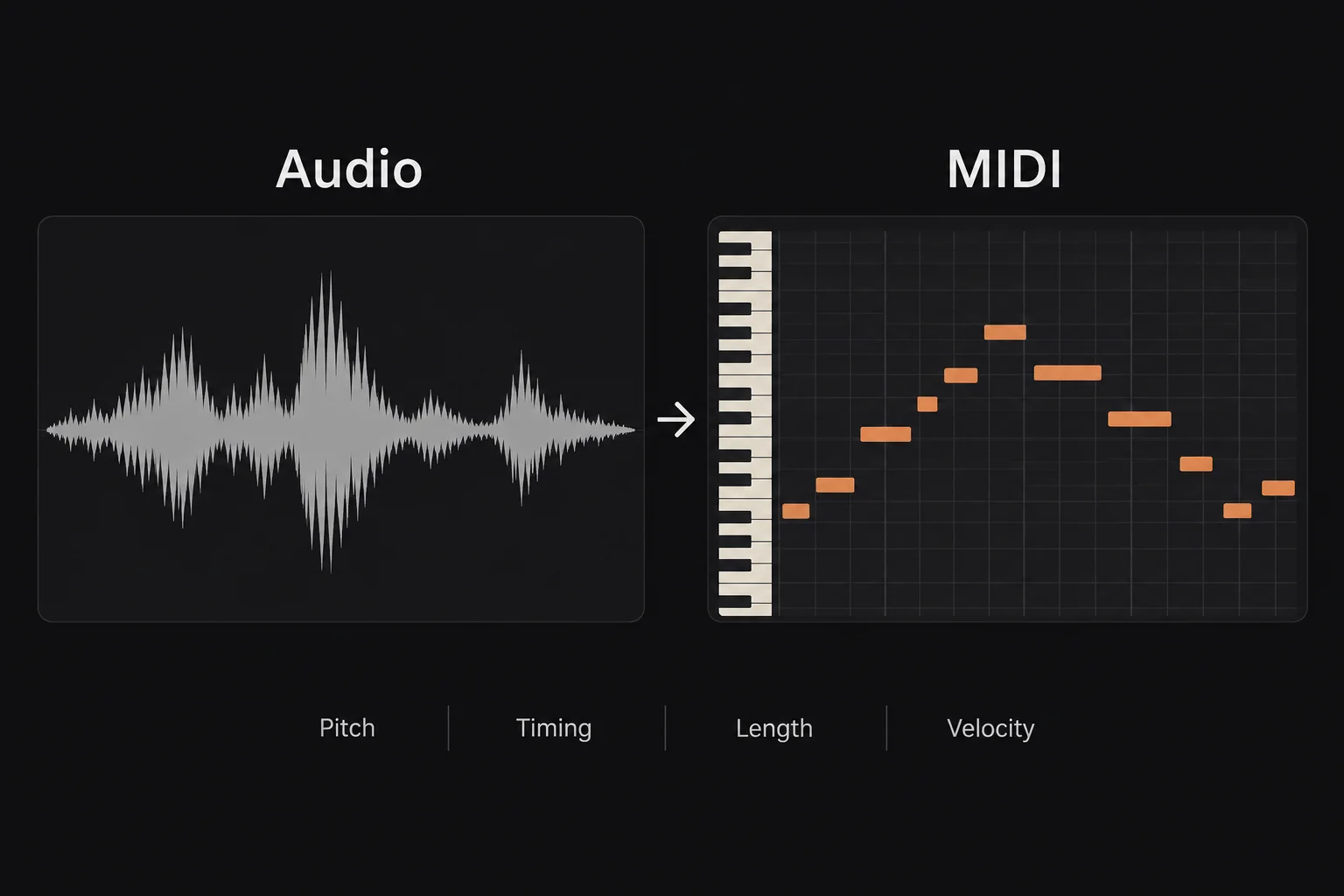
A MIDI file holds no sound. It holds instructions: which note, when, how long, how hard. That is why you can hand the same .mid to a grand piano, a synth pad, or a bass and hear three different results from one file.
It is also why tempo and key become editable after audio to MIDI conversion. Change the tempo and nothing warps, because there is no audio left to stretch.
The alternative is doing it by ear: listening back a bar at a time and redrawing every note in a piano roll. An audio to MIDI converter gets you a first draft in one pass, and you correct it from there.
Accuracy tracks how clean the source is. Google's own summary of this topic puts it plainly — solo instruments, clear vocal lines, and simple piano parts transcribe best, while dense mixes blur note detection and need cleanup afterwards. That is true of every audio to MIDI AI model on the market, not just this one.
The same job goes by several names. MP3 to MIDI, WAV to MIDI, and song to MIDI all describe the same audio to MIDI operation with a different input named in front of it.
Built around one job: get a clean, editable .mid out of the audio file you already have.
Most people arrive here with a file and a deadline, not a research question. These are the parts of the audio to MIDI converter that decide whether you get something usable.
One input, one output. You upload a track and the audio to MIDI converter returns a standard MIDI file — no project format, no proprietary wrapper. Download it and the job is done.
Both common formats run through the same MP3 to MIDI converter pipeline, along with M4A, FLAC, AAC, OGG, Opus, WMA, AIFF, and WebM. WAV is the better input when you have the choice, because it is uncompressed and gives cleaner note detection than a compressed MP3. If your file is already an MP3, a clear recording still converts fine.
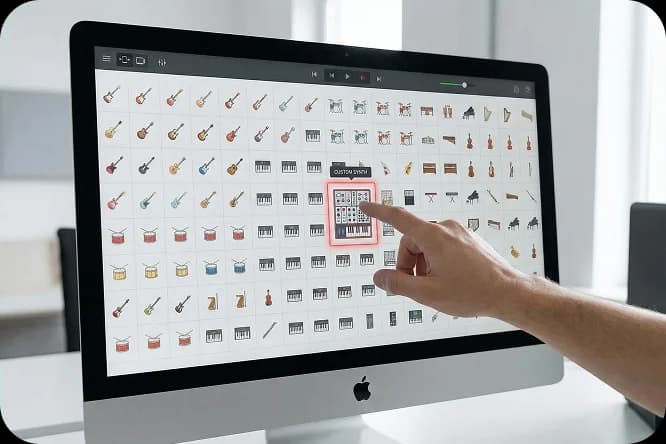
Melody mode runs audio to MIDI on a single line — the tune, the riff, the part you actually want. Full mode reads a complete multi-instrument mix, so you do not have to isolate a stem first. One thing to know before you pick: the .mid comes back as a single track either way, so full mode gives you every detected note merged onto one track rather than one track per instrument. For a clean, immediately playable part, melody mode is usually what you want.

Because the result is a standard MIDI file, it drops straight into Ableton Live, FL Studio, Logic Pro, GarageBand, Cubase, Reaper, Studio One, or Pro Tools — anything with MIDI import. Notation apps read it too, and you can keep editing the MIDI online in a browser piano roll if you do not have a DAW open.
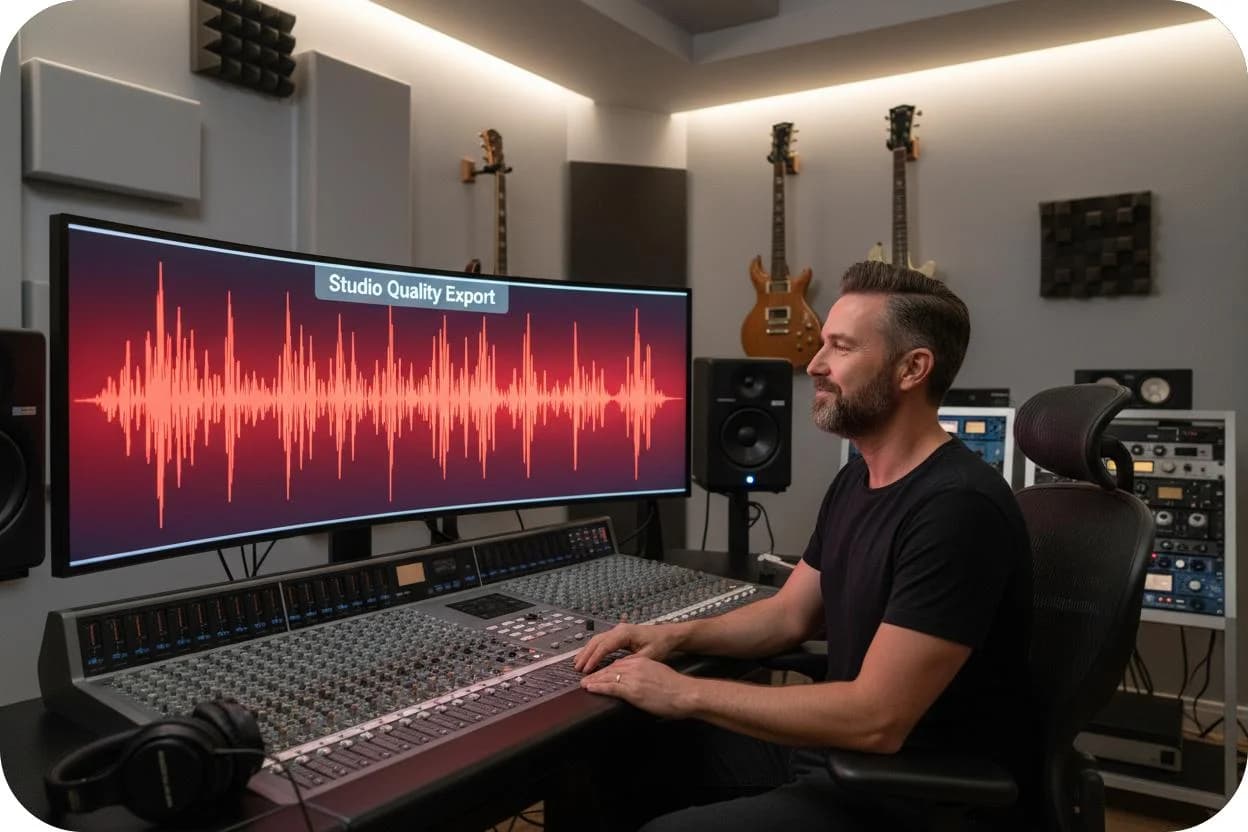
After audio to MIDI conversion you can quantise timing, delete a wrong note, shift an octave, change the velocity, or swap the instrument entirely. None of that is possible on the original recording.
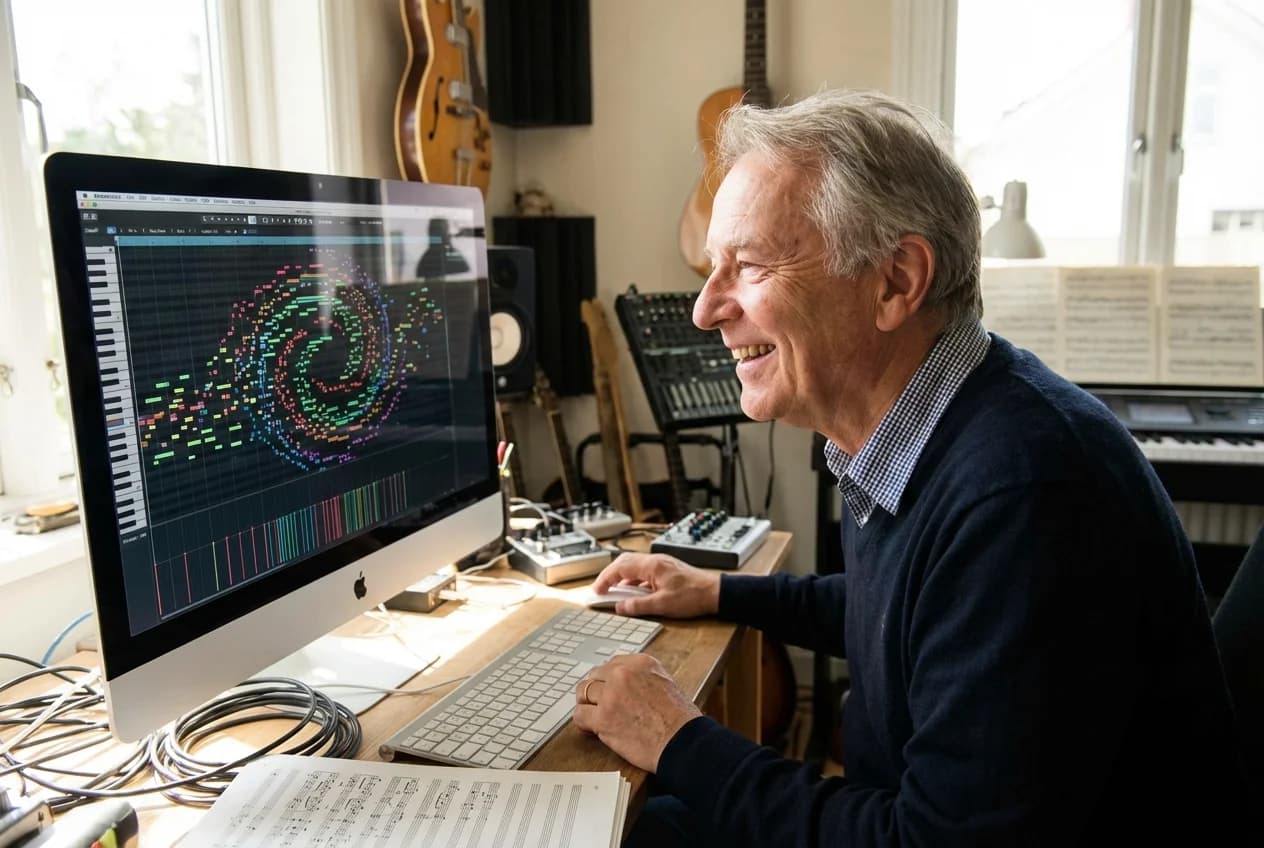
No plugin, no desktop install, no license file. Upload, convert, download — an audio to MIDI converter online rather than another thing to maintain on your machine. There is no length or file-size cap, so a full song is a valid upload.
Piano parts, vocal melodies, guitar and bass lines, and sketches you sang into your phone.
The output of audio to MIDI is always a .mid file. What changes is what you put in — and how much cleanup the result needs before it is useful.
Audio to MIDI piano transcription is the friendliest case there is: clear note attacks, no bends, no breath noise. Solo piano is where you will see the best audio to MIDI results.
A sung or hummed line converts into notes you can hand to a synth, a string patch, or a bass. Useful when the melody is in your head and nowhere else yet.
Audio to MIDI handles single-note riffs and lead lines well. Fast strumming and heavy distortion it does not — expect to fix notes by hand.
Voice memos are where ideas go to die. Running one through an audio to MIDI converter turns it into something you can actually arrange. M4A straight off an iPhone works without converting it first.
Run audio to MIDI in full mode and it reads a complete arrangement rather than an isolated stem. The notes all land on one MIDI track, so treat this as a harmonic and rhythmic outline you will pull apart in a piano roll, not as ready-made stems.
Producers, songwriters, students, and anyone who has a recording but not the notes.
Audio to MIDI solves the same problem for very different people: the music exists as sound, and you need it as notes you can move around.
You have a loop or a riff you want to re-voice rather than sample. Run audio to MIDI on it, swap the instrument, edit the groove, and the phrase becomes material instead of a fixed recording.
The hook is on your phone and nowhere else. Run it through the audio to MIDI converter and you have a clip you can transpose, harmonise, and build a demo around while the idea is still fresh.
Seeing a performance as notes is faster than describing it. Convert a short example, open it in a piano roll, and the pitch and rhythm become visible instead of theoretical. This is where audio to MIDI earns its keep in a lesson.
Used as a song to MIDI converter, audio to MIDI gives you the chord and melody skeleton to rebuild on. Full mode is the one to reach for here: it reads the whole arrangement rather than one part. Start from the notes, change the arrangement, and keep the part that made the original work.
Basic Pitch is free and runs on your own machine; this converter trades that for sitting inside a full songwriting workflow.
Basic Pitch is the audio to MIDI tool most people find first, and for good reason. Here is where each one wins, including the axes where we lose.
| YuE2 Audio to MIDI | Spotify Basic Pitch | |
|---|---|---|
| Price | 5 free credits, then one-time packs from $9.90. 2 credits per conversion | Free, no usage cap |
| Where it runs | In the browser, processed on our servers | In the browser, processed locally on your machine |
| Open source | No | Yes — Apache-2.0, pip- and npm-installable |
| Intended input | A full multi-instrument mix, or a single melody line — your choice of mode | A recording of a single instrument, or a line you sing |
| Length / size limit | No cap | Not published |
| Formats | MP3, WAV, M4A, FLAC, AAC, OGG, Opus, WMA, AIFF, WebM | .wav, .mp3, and similar |
| Output | Standard .mid, single merged track | Standard .mid with pitch bend detection |
| Account needed | Yes | No |
| Part of a wider workflow | Yes — same account and credits as the AI music generator and cover tools | No — single-purpose demo |
Where Basic Pitch wins, plainly. It is free with no cap, it processes audio locally so nothing leaves your computer, it needs no account, and the code is Apache-2.0 if you want to run it yourself. If price, privacy, or self-hosting is your top requirement, Basic Pitch is the better audio to MIDI tool and you should use it. Asking which is the best MP3 to MIDI converter has no single answer — it depends on which of those four things you care about.
Where this converter wins. Basic Pitch's own page frames its input as "a recording of any single instrument." Full mode here reads a complete mix, so you do not have to strip a track down to one part before uploading, and there is no length limit on what you send. It also sits next to the tools you use before and after it: generate a track, make a cover, pull the MIDI, all on one account and one credit balance, with no monthly subscription.
One more limitation worth stating, and it is not about Basic Pitch. Our .mid comes back as a single merged track. Mirelo returns each detected part as its own MIDI track, AI-MIDI's multi-instrument model keeps parts as separate tracks in one file, and Songscription isolates one instrument at a time from the mix. If what you need from audio to MIDI is per-instrument stems, those three do something we currently do not. Full-mode audio to MIDI here gives you the harmonic and rhythmic outline of a mix on one track — useful, but not the same thing.
On the DAW-plugin route. If you already own Logic Pro, Ableton Live, or Melodyne, those convert audio to MIDI natively and you do not need a web tool at all. An audio to MIDI converter online is for the case where you do not have that software open, or do not own it.
Three differences that hold up when you check them, not three adjectives.
Module 3 covered what the converter does. This is why you would run audio to MIDI here instead of on one of the eight other tools sitting on this search page.
Packs start at $9.90 for 99 credits and top out at $49.90 for 700. You buy once and the credits stay yours. Nothing renews, and there is no plan to cancel three months from now.
The credits that run audio to MIDI are the same ones that run the AI music generator (3 credits) and the cover tool (4 credits); an audio to MIDI conversion is 2. One balance, one login, no second product to buy.
YuE2-3B plans a song as an ABC score — melody and chords written out as symbols — before it renders any audio. For an AI MIDI workflow that matters: symbolic note data is the model's native output, not a feature bolted on later. The site already renders those scores, plays them back, and lets you click a note to jump to it.
Three steps, from your audio file to editable MIDI.
Here is the whole audio to MIDI flow, from the file on your desktop to notes in your DAW. Three steps, 2 credits, and no upload limit to work around.
Drag an MP3 or WAV onto the page, or pick it from your files. M4A, FLAC, AAC, OGG, Opus, WMA, AIFF, and WebM work too, and there is no length or size cap. Use the cleanest version you have: if you can choose between the WAV and the MP3, choose the WAV.
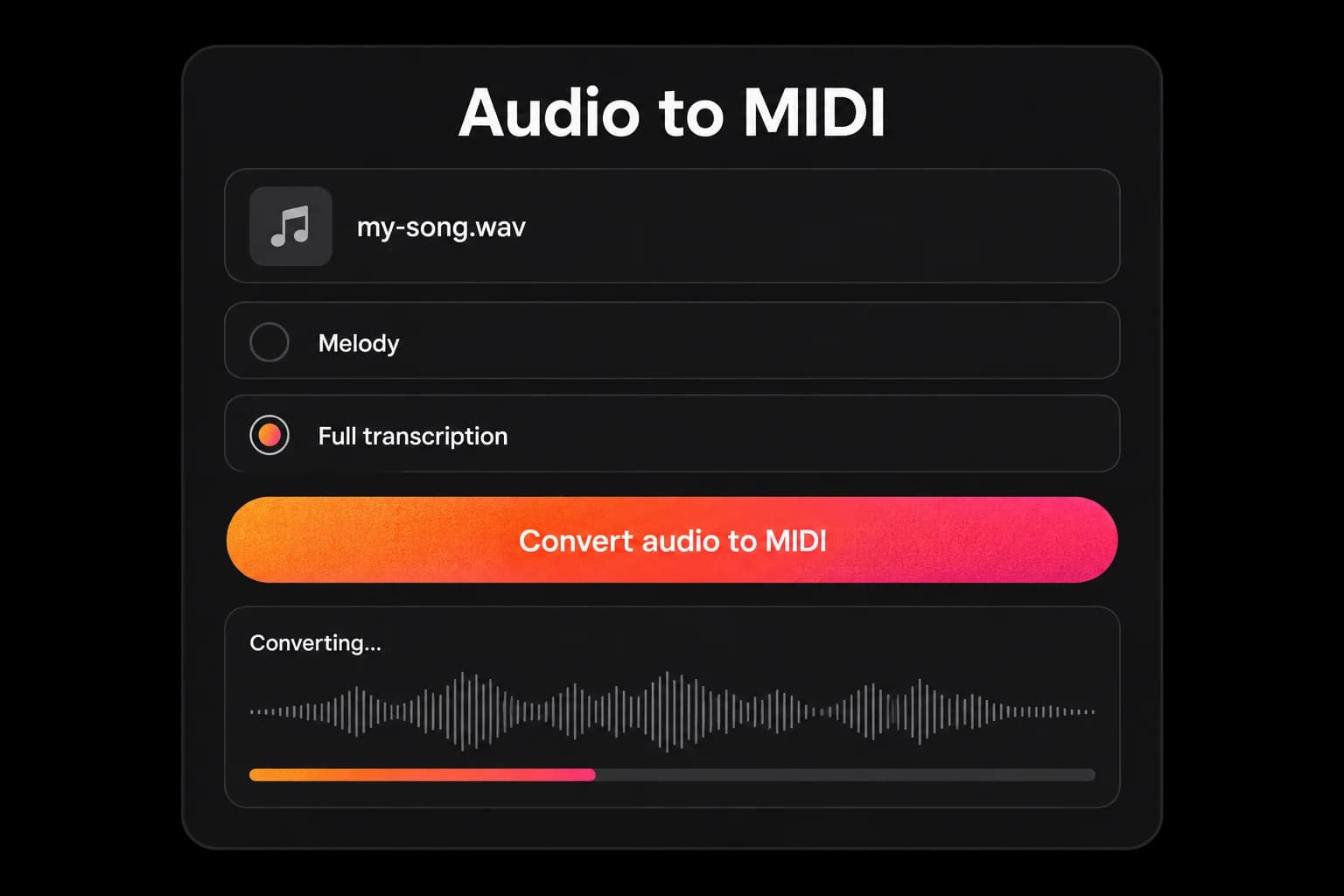
Melody mode runs audio to MIDI on one line and gives you the tidiest result. Full mode reads a complete multi-instrument mix, which saves you isolating a stem but merges everything onto one track. If the part you want is buried under drums, melody mode is the better starting point.
Run it and the audio to MIDI model reads pitch, timing, note length, and how hard each note was played, then writes all of it into a MIDI file. Longer files take longer. This is the same step whether you convert MP3 to MIDI or start from a WAV, and it costs 2 credits either way.
Save the file. It is a standard MIDI file, so nothing else needs installing to open it, and it is the whole deliverable of audio to MIDI. Downloads are included on the free plan, so your 5 starting credits cover two full conversions.
Drop the .mid onto a MIDI track, pick an instrument, and clean up whatever the converter got wrong. This is the step nobody advertises and everybody does: delete phantom notes, tighten a few note starts, fix an octave. If you used full mode, this is also where you split the merged track into parts. Budget a few minutes and audio to MIDI becomes genuinely useful. Skip it and you will blame the tool.
Credits you buy once, not a subscription that renews.
YuE2 runs on one-time credit packs. You start with free credits, and if you need more you buy a pack — there is no monthly plan and nothing to cancel later.
$9.9
One-time · 99 credits
$0.10 / credit
$29.9
One-time · 370 credits
$0.08 / credit (approx.)
$49.9
One-time · 700 credits
$0.07 / credit (approx.)
Free · $0 · 5 credits. Two audio to MIDI conversions with unlimited .mid downloads. Personal use only — no commercial licence.
So is audio to MIDI free here? For your first two conversions, yes, properly free — each one costs 2 credits, you start with 5, and .mid downloads are unlimited on every plan rather than paywalled behind a preview. After that, additional conversions use one-time credit packs from $9.90 with no subscription. It is also worth knowing the honest alternative: Spotify's Basic Pitch is free with no usage cap at all and runs locally in your browser. If unlimited free conversions are a hard requirement, use that. What you pay for here is audio to MIDI that sits next to the rest of a songwriting workflow.
For reference, generating a song costs 3 credits and a cover costs 4, and audio to MIDI draws from the same balance. At 2 credits per audio to MIDI run, a $9.90 Starter pack is 49 conversions.
The questions people actually search alongside this one, answered.
Direct answer first in every case, then the detail that decides whether audio to MIDI will work for your file.
Yes. Upload an MP3 and the audio to MIDI converter transcribes it into a standard .mid file you can download. MP3 works, but it is compressed, so if you also have the WAV of the same recording, use that instead — uncompressed audio gives cleaner note detection. Accuracy depends far more on the recording than on the format: a clear solo piano MP3 converts better than a dense full-mix WAV. The output opens in Ableton Live, FL Studio, Logic Pro, GarageBand, Cubase, Reaper, Studio One, and Pro Tools.
Yes, and WAV is the better of the two inputs. Because WAV files are uncompressed, they keep detail that MP3 encoding throws away, which gives the model more to work with when it detects pitch and timing. If your recording came straight out of a DAW or a field recorder you almost certainly already have a WAV — upload it directly rather than converting it to MP3 first. Used as a WAV to MIDI converter online, the result is the same standard .mid file either way.
Yes. You start with 5 free credits and each audio to MIDI conversion costs 2, so your first two runs are free — and the .mid download is included on the free plan rather than locked behind a preview. After that, credit packs are a one-time purchase from $9.90 with no subscription. It is also worth knowing the honest alternative: Spotify's Basic Pitch is free with no usage cap at all and runs locally in your browser. If free-and-unlimited is a hard requirement, use that. What you pay for here is audio to MIDI that sits next to the rest of a songwriting workflow.
It depends almost entirely on the source, and no converter is perfect. Solo instruments, clear vocal lines, and simple piano parts transcribe best. Dense mixes with several instruments playing at once — especially with heavy drums, distortion, or long reverb — blur note detection and will need manual cleanup in a piano roll afterwards. Treat any audio to MIDI AI output as a fast first draft rather than finished notation. We have not published accuracy figures and will not quote a number we cannot back. Here is how to judge it in about a minute instead: run one conversion in melody mode, drop the .mid onto a piano, and play it against the original — check whether the note starts land on the pulse and the melody sits where you expect. That tells you more about your material than a headline percentage would.
Yes, with a caveat about which kind of guitar part. Single-note lines — lead melodies, riffs, bass parts — convert reasonably well. Fast strummed chords and heavily distorted tones are much harder, because distortion adds harmonics that read as extra notes and strumming stacks several attacks into one moment. Record clean if you can: a direct signal or an unprocessed amp tone leaves you far fewer phantom notes to delete later.
Better than for almost anything else. Audio to MIDI piano transcription benefits from clear note attacks, stable pitch, and no breath or bend noise, which is why solo piano is the standard demo for every tool in this category. Dense pedal-heavy passages and fast runs still produce errors, and overlapping sustain is the usual culprit. If you are testing the converter for the first time, a solo piano recording is the fairest thing to try.
No, and this is the most common misunderstanding about audio to MIDI. A .mid file contains no sound at all — only instructions about which note plays, when, for how long, and how hard. That is why you have to assign an instrument before you hear anything, and why the same file can come back as a piano, a synth, or a string section. It is also the upside: changing tempo or key edits the instructions rather than stretching audio, so nothing degrades.
No. This audio to MIDI converter takes an uploaded audio file, not a URL and not a video file. Plenty of audio formats do work — MP3, WAV, M4A, FLAC, AAC, OGG, Opus, WMA, AIFF, and WebM — so running audio to MIDI on an M4A straight off a phone is fine. Video is not: if your source is an MP4 or a YouTube page, extract the audio track first with any free converter, then upload that. Whatever you upload, you are responsible for having the rights to transcribe it.
No, and this is the clearest limitation to know about before you buy credits. The .mid comes back as a single track. Full mode will read a complete multi-instrument mix without you isolating a stem first, but every detected note lands on one track rather than one track per instrument — so you get the harmonic and rhythmic outline of the arrangement, not ready-made stems. If per-instrument audio to MIDI is what you need, Mirelo returns each detected part as its own track, AI-MIDI's multi-instrument model keeps parts separate in one file, and Songscription isolates one instrument at a time. For a single clean part from our converter, use melody mode instead of full.
Free credits to start, and no subscription behind them.
Upload the MP3 or WAV you already have and see what audio to MIDI gives you back. If the notes are close, you just saved an afternoon of transcribing by ear.
Your first two audio to MIDI conversions are free, with unlimited downloads. After that, audio to MIDI runs on one-time credit packs from $9.90. Nothing renews.